UK CV Format: 5 ATS Safe Rules Recruiters Check

Help shape a future CV tailoring tool. Start the JobTide early-access questionnaire →
For UK job applications, use a single-column, ATS-safe CV, typically one to two pages, opening with a short personal statement and saved as a .docx or text-based PDF. Skip the photo and date of birth. List your work history in reverse-chronological order with quantified results, and finish with a skills section matched to the job advert’s keywords.
TL;DR:
- Using a clear, single-column UK CV in .docx or text-based PDF format with standard sections ensures ATS compatibility and quick parsing by employers.
- Highlight recent work experience with quantified results and strong action verbs, especially for those with less than five years of experience, to stand out in applicant tracking systems.
- Tailor the skills section meticulously to match keywords from the job advert, as this improves keyword matching and relevance during ATS scans.
- Keep the header concise, including name, location, contact info, LinkedIn, and right-to-work status, while excluding personal details like photo, birth date, or marital status for legal and ATS reasons.
- Design the CV with ample white space, consistent fonts, and simple formatting to make it easily scannable in seconds and attract recruiter attention.
Table of Contents
- What Is the Correct UK CV Format?
- Which CV Layout Should You Use?
- Will Your CV Survive an ATS Scan?
- How Do You Design a CV That’s Easy to Skim?
- How Do You Write Each Section of Your CV?
- What Section Order and Checklist Should You Use?
- Why CV Quality Determines Your Interview Rate
- Ready to Put Your Updated CV to Work?
- Sources
- FAQ
What Is the Correct UK CV Format?
A UK CV follows a specific structure that differs from résumé norms in the US and much of Europe. Recruiters expect contact details, a short personal statement, work experience listed newest first, education, and a skills section, in that order, according to the National Careers Service. References go at the bottom as “available on request,” not listed by name.
Your header should include your name, town or city (no full postal address needed), phone number, email, and a LinkedIn URL if you have one. Leave off your date of birth, marital status, and photo. This isn’t just custom. The Equality Act 2010 makes it illegal for UK employers to discriminate based on age, marital status, or other protected characteristics, so including that information creates risk for the employer and does nothing useful for you. British spelling matters here too: “organise,” “colour,” and “programme,” not their American equivalents.
Your personal statement sits directly under your header. It should run 3 to 4 lines and answer three questions fast: who you are professionally, what you’re good at, and what you want next. Skip the clichés about being a “dynamic team player.” Name your specialism, cite one strength backed by a number, and state the role you’re targeting.
On length: one page works for graduates or anyone with under five years of experience. Two pages is standard for most professionals. Academic CVs are the exception. They can run longer because publications, grants, and teaching experience all need documenting.
Since Brexit, many employers screen early for right to work. Adding a short line near your contact details, such as “UK citizen” or “Settled status,” removes uncertainty before a recruiter even opens your work history. It’s not a legal requirement, but it can speed up shortlisting.
- Include: name, city, phone, email, LinkedIn, right-to-work status
- Omit: photo, date of birth, marital status, full home address, nationality flags
Pro Tip: Write your personal statement last. Once you’ve drafted your experience and skills sections, you’ll know exactly which two or three achievements are worth leading with.
Which CV Layout Should You Use?
Format choice depends on your career stage, not personal preference. Here’s how the four common UK layouts break down:
- Reverse-chronological is the default for most applicants. List your most recent job first, working backward. Recruiters expect this structure and can scan it fast, which is exactly why Oxford University’s Careers Service recommends it for the majority of applications.
- Skills-based suits career changers or people with gaps in employment. Group your experience under skill headings like “Project Management” or “Client Relations,” then add a condensed work history underneath. This lets you highlight transferable skills without drawing attention to a mismatched job title history.
- Hybrid works well for mid-career professionals with a strong track record. Add a short “Key Achievements” block right after your personal statement, three or four bullet points with your best quantified wins, then follow with standard reverse-chronological experience.
- Graduate CVs often lean on academic content when work history is thin. Include relevant modules, your dissertation topic, and university projects. One page is usually enough here.
Academic CVs break the page-length convention entirely. Publications, conference presentations, grants, and teaching roles all need their own sections, and two pages simply won’t fit a real research career.
Will Your CV Survive an ATS Scan?
Roughly the majority of larger UK employers now run CVs through an Applicant Tracking System before a human ever sees them. Get the format wrong and a strong candidate never makes the shortlist.
Save your file as a .docx or a text-based PDF. Image-based PDFs, the kind created by scanning a printed page, cannot be read by parsing software at all. Systems used across the UK market, including Workday, Greenhouse, and Reed, consistently favor the same handful of formatting choices.
- Stick to a single-column layout; multi-column designs confuse parsing software and can scramble the order of your content.
- Avoid headers, footers, and text boxes. Anything placed outside the main body often gets dropped entirely.
- Skip tables, icons, and graphics. They rarely translate into readable text.
- Use standard section headings like “Work Experience” and “Education” rather than creative alternatives like “My Journey” or “Where I’ve Been.”
- Keep fonts sans-serif at 10 to 12pt for the most reliable parsing results.
Five specific formatting choices separate CVs that parse cleanly from those that get rejected before a recruiter opens them: single-column layout, .docx or text-based PDF format, standard section headings, no headers or footers, and sans-serif fonts at 10 to 12pt, according to ATS testing conducted by SpeedCV.
File naming matters more than most job seekers realize. Both recruiters and ATS platforms often index the filename itself, so “CV.docx” or “final_version2.pdf” tells the system nothing useful. Use a format like Firstname-Surname-Role-CV.docx instead.
How Do You Design a CV That’s Easy to Skim?
Recruiters often spend only a few seconds on first pass, and the Oxford Careers Service points out that the top third of your page carries the most weight. That’s where your personal statement and header sit, so it needs to work hard.
Stick with Arial, Calibri, or Helvetica at 10 to 12pt for body text, per National Careers Service guidance. Headings can go slightly larger and bold, but keep the contrast subtle rather than switching fonts entirely.
- Use a single column throughout; sidebars might look sleek, but they’re a common cause of ATS parsing failures.
- Keep bullet styling consistent across every section. Don’t mix dashes and dots.
- Set margins around 2.5cm on all sides. Tighter margins make a page feel cramped even when the content is strong.
- Use color sparingly, if at all. A single accent color on your name or headings is fine; anything more risks looking unprofessional in print.
- Leave breathing room between sections. White space isn’t wasted space; it’s what makes a CV scannable in six seconds instead of sixty.
Sidebars might tempt you for skills bars or contact icons, but they’re a formatting risk. Keep everything inline instead.
How Do You Write Each Section of Your CV?
Here’s the part most guides skip: the actual sentences. Below is a practical walkthrough for each section, with templates you can adapt directly.
-
Header. Include your full name, city or town, phone number, email, and LinkedIn URL. Add a right-to-work line if relevant: “UK citizen, no visa sponsorship required” or “Settled status, full right to work in the UK.” Name your file Firstname-Surname-Role-CV.docx.
-
Personal statement. Use this formula: [your role/specialism] with [X years or key qualification], skilled in [two or three core competencies], seeking to [specific goal tied to the role]. For a graduate: “Recent Economics graduate from the University of Leeds with strong analytical and Excel modeling skills, seeking an entry-level role in financial analysis.” For an experienced hire: “Marketing manager with seven years’ experience driving digital campaigns across retail and hospitality, known for increasing conversion rates through data-led testing.”
-
Work experience. This is where the STAR method earns its keep, structuring each bullet around Situation, Task, Action, and Result, a technique Oxford’s Careers Service specifically recommends for UK applications. Instead of “Responsible for managing social media,” write “Rebuilt the brand’s Instagram strategy after engagement dropped 15%, launching a weekly content calendar that increased follower growth by 40% in four months.” Every bullet should open with a strong action verb: led, delivered, negotiated, restructured, reduced. Quantify wherever you can. Numbers cut through generic phrasing faster than any adjective.
-
Education. List your most recent qualification first. Include your degree classification if it’s a 2:1 or above. Graduates with limited work experience should add relevant modules, a dissertation title, or group projects that demonstrate applied skills. Mid-career professionals can compress this section to a few lines. Nobody needs your A-level grades a decade into your career.
-
Skills. Read the job advert twice and pull out the exact language used for required skills, tools, and qualifications. If the posting says “stakeholder management,” use that phrase rather than “worked well with clients.” This isn’t about gaming the system. It genuinely helps both the ATS keyword match and a human reader trying to confirm you fit the role.
-
Optional sections. Certifications, languages, and volunteering can add real value when they’re relevant to the role. Cut anything that doesn’t directly support your application. A CV padded with unrelated hobbies signals you’re short on relevant material, not that you’re well rounded.
Pro Tip: Keep a master CV with every achievement you’ve ever documented, then trim a copy for each application. Tailoring beats sending one generic version to every job, and it takes less time than starting from scratch each time.
What Section Order and Checklist Should You Use?
Quick reference for section order by CV type:
- Reverse-chronological: Header, personal statement, work experience, education, skills.
- Skills-based: Header, personal statement, skills groups, condensed work history, education.
- Hybrid: Header, personal statement, key achievements, work experience, education, skills.
- Graduate: Header, personal statement, education (with modules/dissertation), work experience or placements, skills.
Before you submit anything, run through this: consistent formatting throughout, zero spelling errors, standard section headings, saved as .docx or text-based PDF, even spacing across sections, keywords matched to the job advert, references line reading “available on request,” proofread by someone other than you, filename following the Firstname-Surname-Role-CV convention, and one final check that it opens correctly when uploaded.
For sector fit, finance and public-sector roles tend to favor conservative, text-heavy layouts. Tech often tolerates more visual structure. Public sector and NHS applications frequently require Success Profiles framing with behavior-tagged STAR examples, so check the job advert for specific formatting instructions before you submit.
Why CV Quality Determines Your Interview Rate
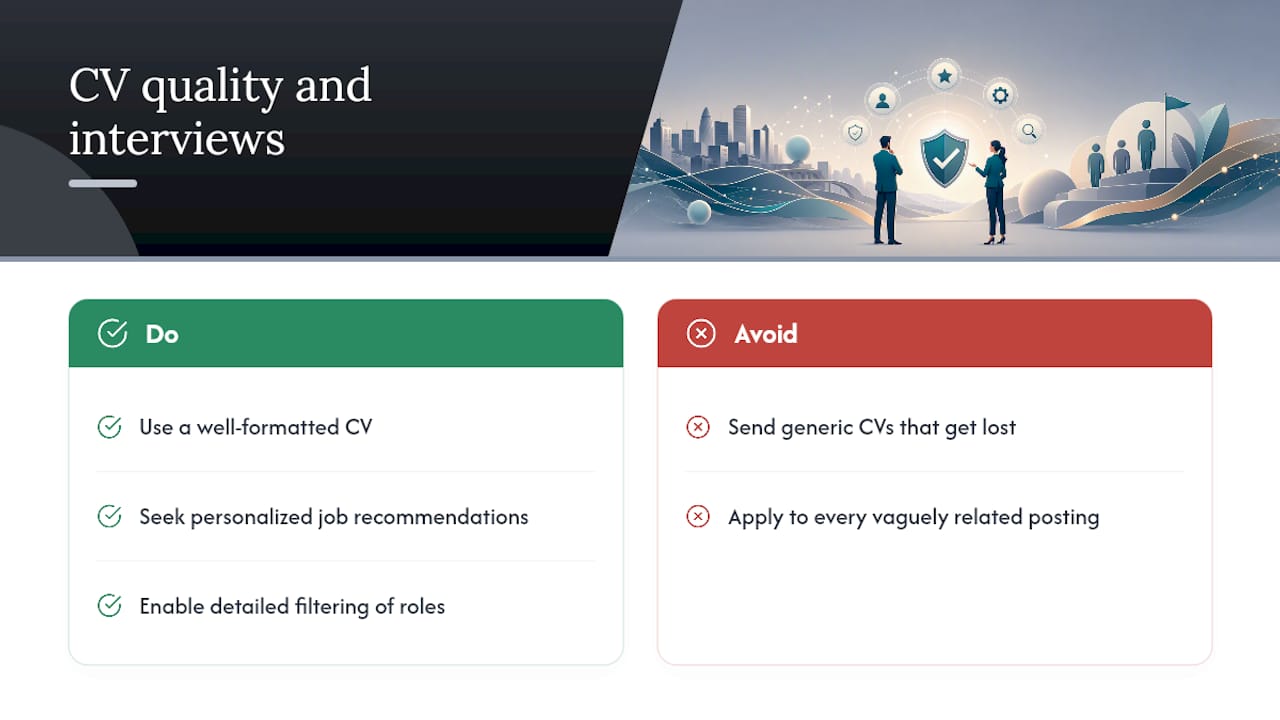
A well-formatted CV isn’t paperwork. It’s the single variable most within your control in a job search, and it directly shapes whether you get called back at all.
A strong CV deserves to land in front of the right roles, not get lost in a pile of mismatched listings. Personalized job recommendations and detailed filtering help polished CVs reach openings that fit skills and goals, rather than every posting with a vaguely related title.
— Alisher
Ready to Put Your Updated CV to Work?
Once your CV follows the UK CV format rules above, the next question is where to send it. Platforms matching skills and preferences against live openings can help reduce time spent scrolling through irrelevant listings and increase time applying to roles worth your effort.
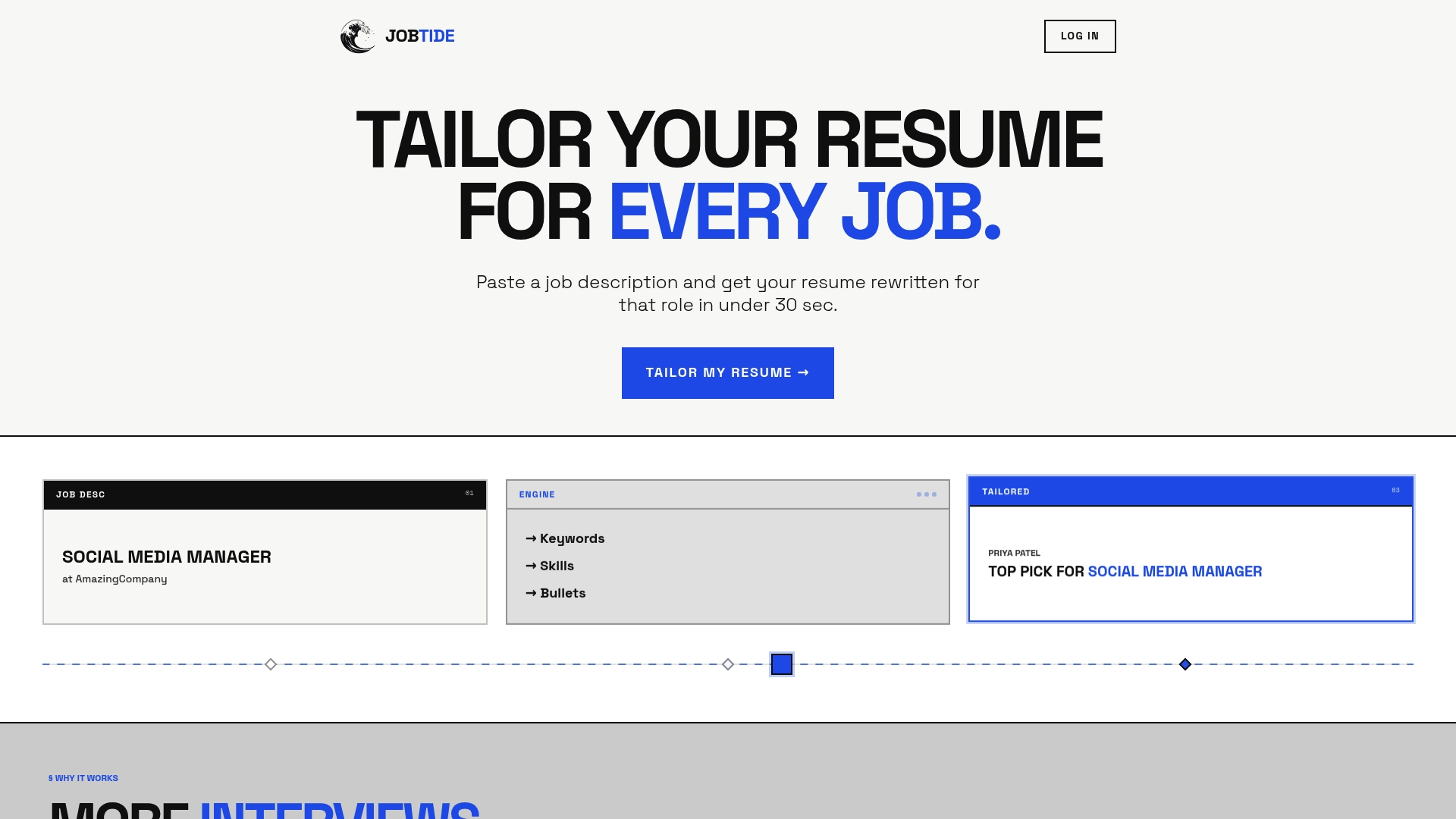
Getting started takes minutes. Sign up, set your filters for location, sector, and salary range, then upload the CV you just finished formatting. Jobtide uses that information to surface tailored matches instead of a generic feed of every job posted that week. If you’ve just spent an hour tightening your personal statement and reordering your experience section, this is the natural next step: create your Jobtide profile and let your new CV start working for you immediately.
Sources
- How to write a CV | National Careers Service
- CVs - Oxford University Careers Service
- CV format UK 2026: 7 sample layouts that pass ATS | SpeedCV
FAQ
Which CV format is used in the UK?
Most UK employers expect a reverse-chronological CV: single-column, one to two pages, opening with a personal statement and listing work experience newest first.
What is the best CV format for UK jobs?
For most applicants, reverse-chronological is best because it’s what recruiters scan fastest and what ATS platforms parse most reliably. Career changers often do better with a skills-based layout instead.
How should a UK CV look in 2026?
It should be single-column, saved as .docx or a text-based PDF, use sans-serif fonts at 10 to 12pt, and avoid tables, icons, and multi-column designs that break ATS parsing.
What does a CV need to include in the UK?
At minimum: contact details, a 3 to 4 line personal statement, reverse-chronological work experience with quantified achievements, education, and a skills section matched to the job advert.
Should I include a photo on my UK CV?
No. UK convention omits photos, date of birth, and marital status, partly due to Equality Act 2010 discrimination protections and partly because ATS systems can’t process image content anyway.
Help shape JobTide.
Tell us about your job search in our early-access questionnaire. JobTide is in development; completing it does not generate a resume.
Start my questionnaire →